Tuesday · 08:12
A meeting ahead.
The commute connects an ETA with the calendar and a familiar coffee stop.
Automotive · Generative UI · At Star
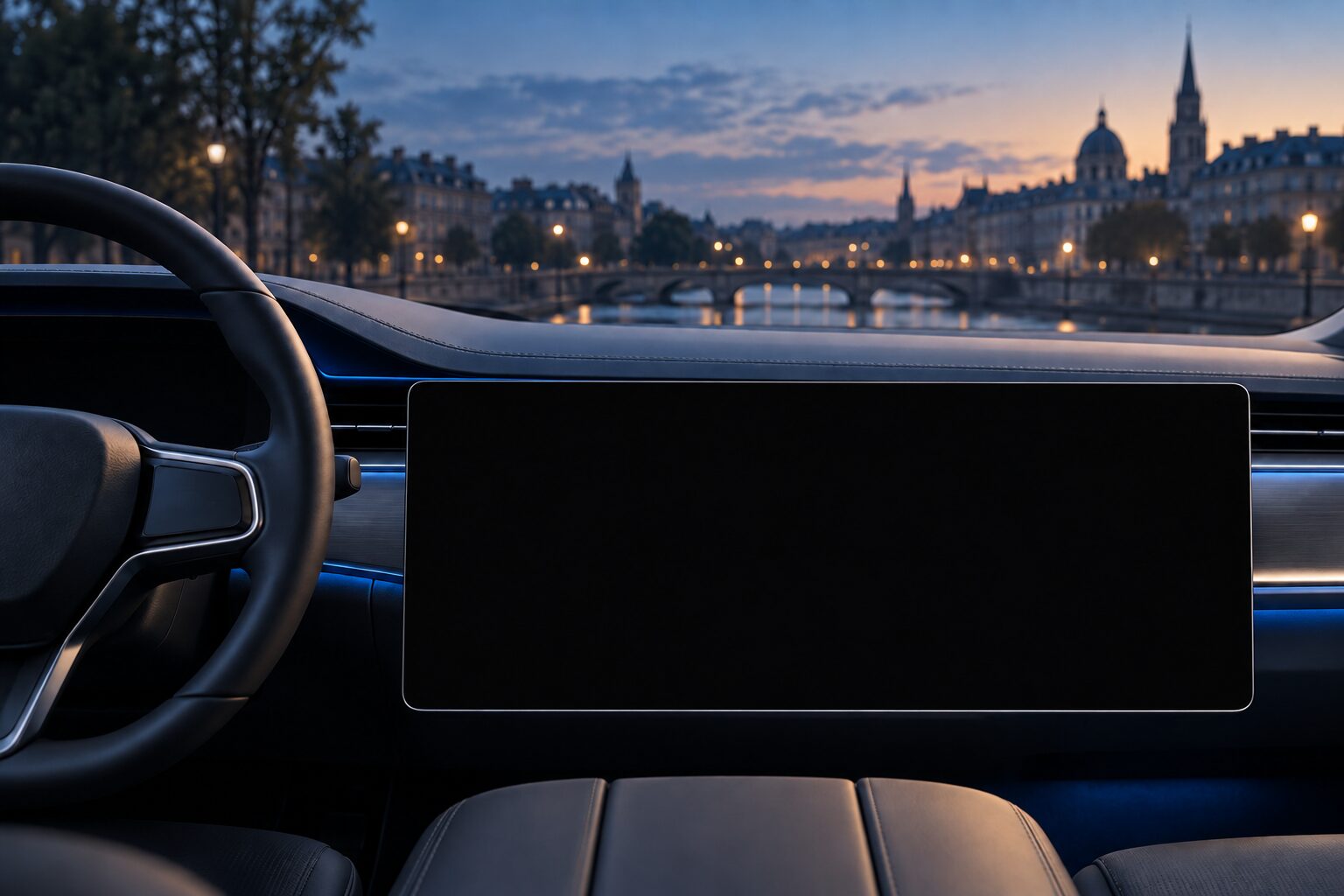
01 / Start with a moment
A useful answer can sit across several apps. The interface has to bring those pieces together.
In Tom’s simulated morning commute, navigation knows the arrival time, his calendar holds the design review and his phone remembers the podcast. I used that moment to explore a cockpit that brings the relationship forward: the margin before the meeting, a coffee stop that still fits and something to listen to on the way.
The question became larger than choosing which tile to show. How much can the screen adapt before it becomes hard to recognise? I developed the concept, designed the interface system and built the working prototype through AI assisted coding to make those decisions tangible.
08:12 / The morning commute
The next review starts at 08:45. Select a signal to follow it into the composed screen.
4 minbetween arrival and the review.
A coffee stop adds 2 min.
A familiar thread.
Along the route.
The composed moment
Navigation, the appointment and the podcast share one surface. The assistant makes the timing relationship visible.
Tuesday · 08:12
The commute connects an ETA with the calendar and a familiar coffee stop.
Thursday · 15:32
Tom is driving Mia to her piano lesson. Building traffic and his stress reading call for different priorities.
Sunday · 15:32
Jonas borrows Tom’s car. Which parts of the owner’s context should stay private?
I separated the exploration into three decisions: how to compose the interface, where visual freedom belongs, and how relevant context could be found.
02 / Build on familiar controls
I started with the things people expect to find: a route, music, range and climate. Adaptation should build on that familiarity.
The everyday HMI
A designed reference layout, using the prototype’s working components and simulated data. Select an area to see its role.
A familiar starting point
The route takes the main area. Music and range sit beside it; climate controls have their own strip.
The foundation
A2UI means Agent to UI. It lets an agent describe an interface using a shared vocabulary of components. That gave me a way to explore different compositions while retaining recognisable controls.
About A2UI ↗My design decision
I designed the automotive components and the rules around them. The system can bring information forward and change its visual expression. Checks address density, night conditions, accessibility and content restrictions.
The question became: what should change for this moment, and what should remain familiar?
Read the moment
Navigation, appointments, vehicle conditions and driver needs describe the situation. A simple city drive starts with different priorities from a school run or an upcoming meeting.
The commute brings an arrival time and an appointment together.
The vocabulary I designed
Familiar automotive elements become the building blocks for an interface that responds to the situation.
Start with recognisable controls, then explore how they can adapt. A2UI provides the shared vocabulary; the cockpit components and checks express my design decisions.
03 / Take the next step
Follow a drive through a changing situation, a request and a new visual direction. Compare before and after or try your own words. The search explorer below shows how different people’s data enters a moment.
Three scenes to play through
Or type your own requestStarting point
Starting point · Everyday drive
Navigation, music, range and climate. What would you change?
Cream surfaces, serif typography and crisp contours.
Continue the exploration
Want to explore your own contexts and requests in the full Cockpit Composer? Get in touch to try the interactive prototype.
Let both intent and context shape the interface. A request can change what takes priority; an approaching appointment can bring a new relationship forward. Visual expression adds another layer, with temporary adjustments for readability and the situation.
04 / Look behind the context
The commute started with a route and an appointment. What if the relevant pieces live across hundreds of entries? I built a companion vector search explorer to make that mechanism visible.
Four fictional people make the question concrete. Tom owns the car; Lena, Jonas and Mia each have their own entries from calendars, routes, messages and media. The situation decides whose entries may be searched.
Choose a moment to see which people and entries are considered. When Jonas borrows the car, Tom’s private entries stay out. This companion explorer shows how relevant context could be found; the cockpit demo above uses prepared scenario data.
Drag or use arrow keys to rotate · Shift-drag to move · + / − to zoom · 0 to reset. On touch: drag to rotate, pinch to zoom.
Each dot is a fictional entry. Rings mark results; outlines show searched groups. ◆ marks this moment.
Matches for this moment
The dataset contains 415 fictional entries. Each is stored as an embedding: numbers that represent its meaning. The moment is searched against those entries, but only within the permitted personal spaces. An IVF index groups the entries into cells. The slider controls how many of those groups are checked per eligible person; more groups can reveal matches an earlier search missed. These controls select prepared runs locally.
The 3D picture uses three principal components of the embeddings, with each axis normalised for display. It is a projection, not the full space: similarity is computed in all 384 dimensions. Closeness in the picture and the cell outlines are illustrative; cosine similarity is not a probability.
The guest-driver example searches only eligible entries in Jonas’s space. The owner’s entries are excluded from both the search and that scenario’s plot.
Decide whose data may be used before asking what is relevant. A matching entry in Tom’s space should stay out of Jonas’s guest drive, however useful it looks.
05 / Return to the question
I started with a changing moment. Building the system made the choices behind that change visible.
A2UI gave the prototype a shared interface contract. The catalog gave it a vocabulary, the guard made design rules executable and the style layer opened another space for exploration. Building these parts together let me examine how a visual preference survives a temporary adjustment and how the same component keeps its purpose across very different treatments.
The next question belongs in research: can people follow the changes, find familiar controls and understand why the screen adapts? The prototype demonstrates a working approach with simulated data. Live model style behaviour and usability or driving outcomes still need evaluation.
Demonstrated
An everyday HMI reference, contextual compositions, exploratory visual directions, preference restoration and an inspectable retrieval companion.
Next to investigate
Orientation across transitions, understanding of proactive changes and the behaviour of live generated styles.
Concept to prototype
Concept · UX and interface design · System architecture · Prototype development through AI assisted coding
Framework and references