Siemens Home Appliances · IXDS
Two appliances went on sale with screens I designed.
From 2015 to early 2017 I designed display interfaces for Siemens home appliances at IXDS, working for BSH. A free induction cooktop and a French-door refrigerator for China made it to market.
- Role
- Interaction designer · visual design, animation and design specifications
- Timeframe
- 2015–January 2017
- Context
- IXDS Munich for BSH Hausgeräte · Siemens brand
- Status
- Cooktop and refrigerator on the market · cooktop: Red Dot Best of the Best 2020
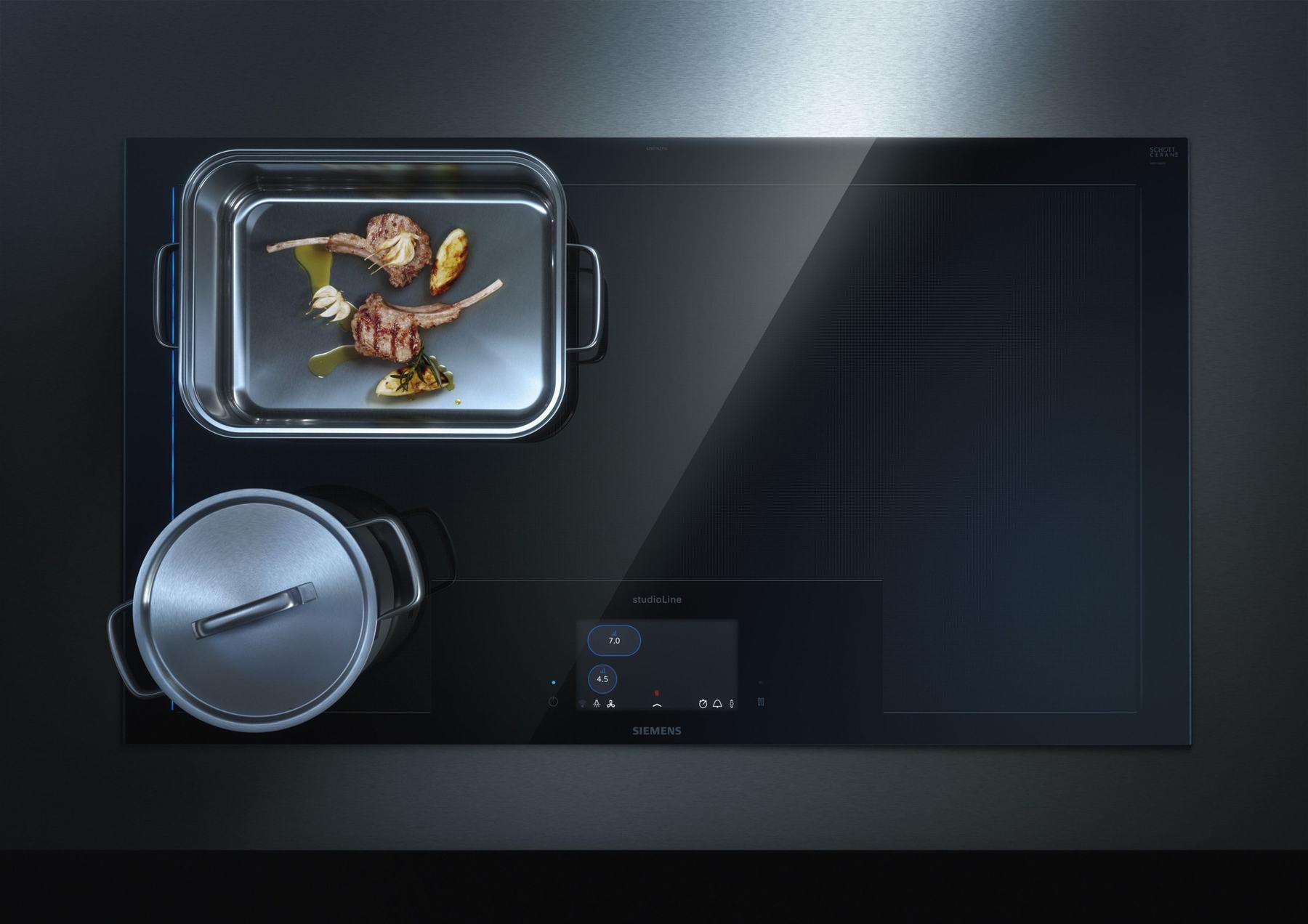
The cooktop on the market · Press photo © BSH Hausgeräte GmbH
01 / Starting point
What is left to design when the behaviour is set?
BSH defined how its appliances work, across all of its brands. Siemens brand design had just set a new look for every Siemens screen. In between, someone had to make each device feel like Siemens and describe it so precisely that software and production could build it. That was our job at IXDS.
The new UI language was flat and reduced, with the white tile as its key element and yellow kept for special functions. It had to work on very different hardware: a large touch display set into the glass of a cooktop, small panels on refrigerator doors, rows of LEDs.
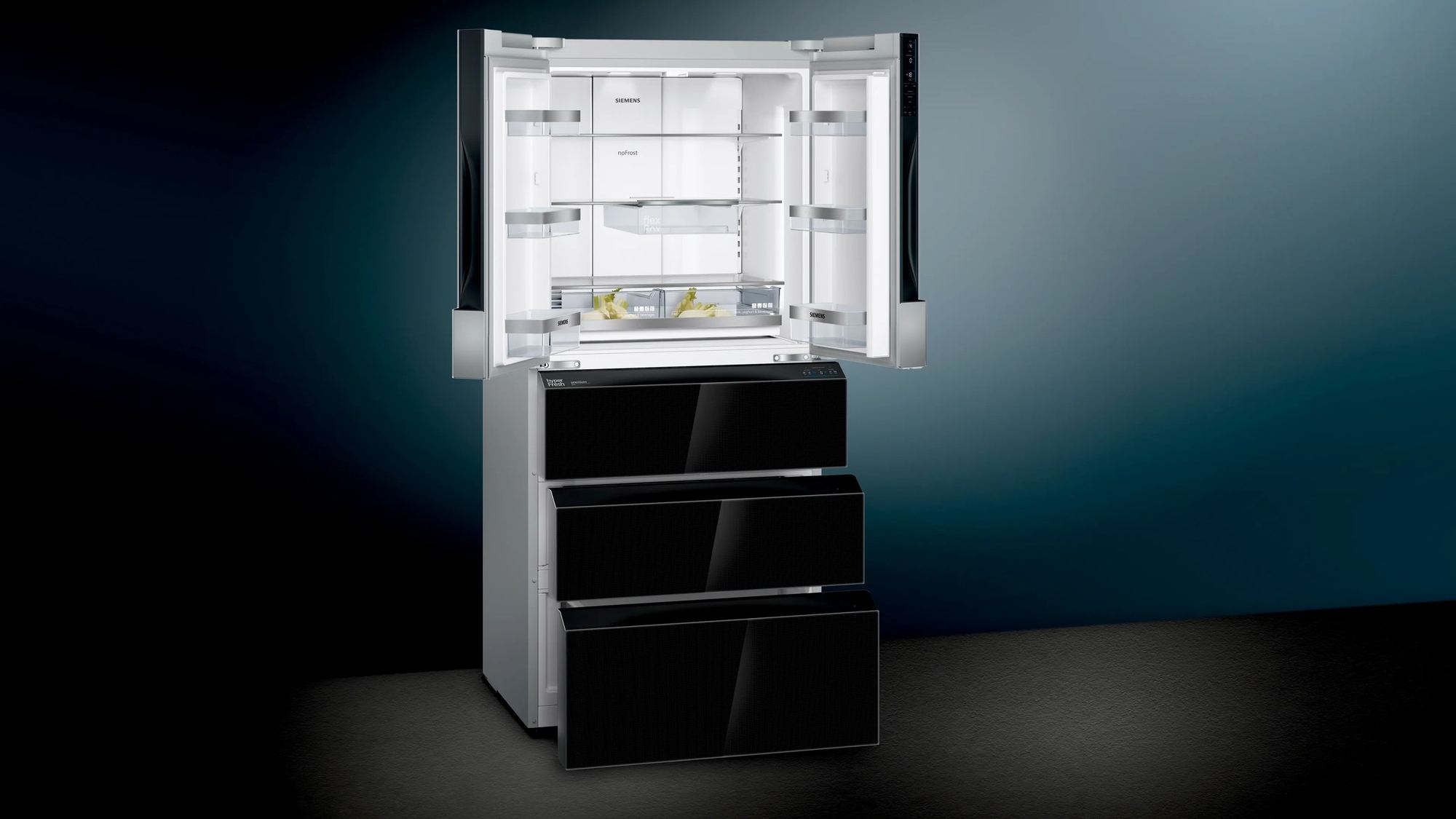
I designed the screens for a free induction cooktop and a French-door refrigerator for the Chinese market. I animated how the cooktop display behaves, developed the refrigerator’s operating concept in 2015 with the IXDS team and wrote the design specifications both products were built from. I worked with Johannes Roth and Frederik Dühsler at IXDS.
- BSH
Interaction concepts: how a product works, the same for every brand.
- Siemens brand design
The UI language: flat, reduced, the white tile, yellow for special functions.
- IXDS · my part
The Siemens design for each device: screens, animation, specification and production data.
02 / Concept to code
The specification was where design became product.
Between an interaction concept and an appliance in a shop lies every state, every colour value and every animation curve. I wrote that detail down, page by page, so that development could build from it directly.
- 150pages in the cooktop specification
- 17versions of it in 20 months
- 92pages for the refrigerator
- 15animations delivered to development
- Flat and reduced
Flat surfaces, few elements, nothing decorative.
- The white tile
The key element of the new language, on every device.
- Yellow for the special
A highlight colour kept for special functions, so it keeps its meaning.
- One language
The same rules for every appliance category.
03 / Cooktop
The display became a map of the cooktop.
On a free induction cooktop, pots can stand anywhere. So the display shows a scaled-down copy of the cooktop: every pot appears as an avatar that moves with it. Tap a pot on the map to focus on it, or simply move the pot to change its power level.
BSH’s interaction concept defined these behaviours. My part was their form: the screens in the new Siemens language, the states of every pot avatar, the colours for sensors and warnings, and the animations that connect one view to the next. A map that redraws itself whenever a pot moves only feels calm if each change is shown, not just made.
I animated every transition, from start-up to heating up, boost and moving a pot across the cooktop, for the display and for the cooktop itself. The 15 animations went to development in November 2016.
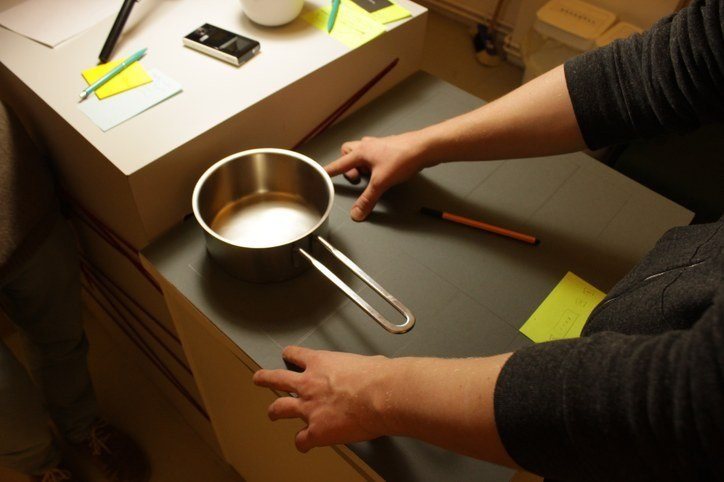
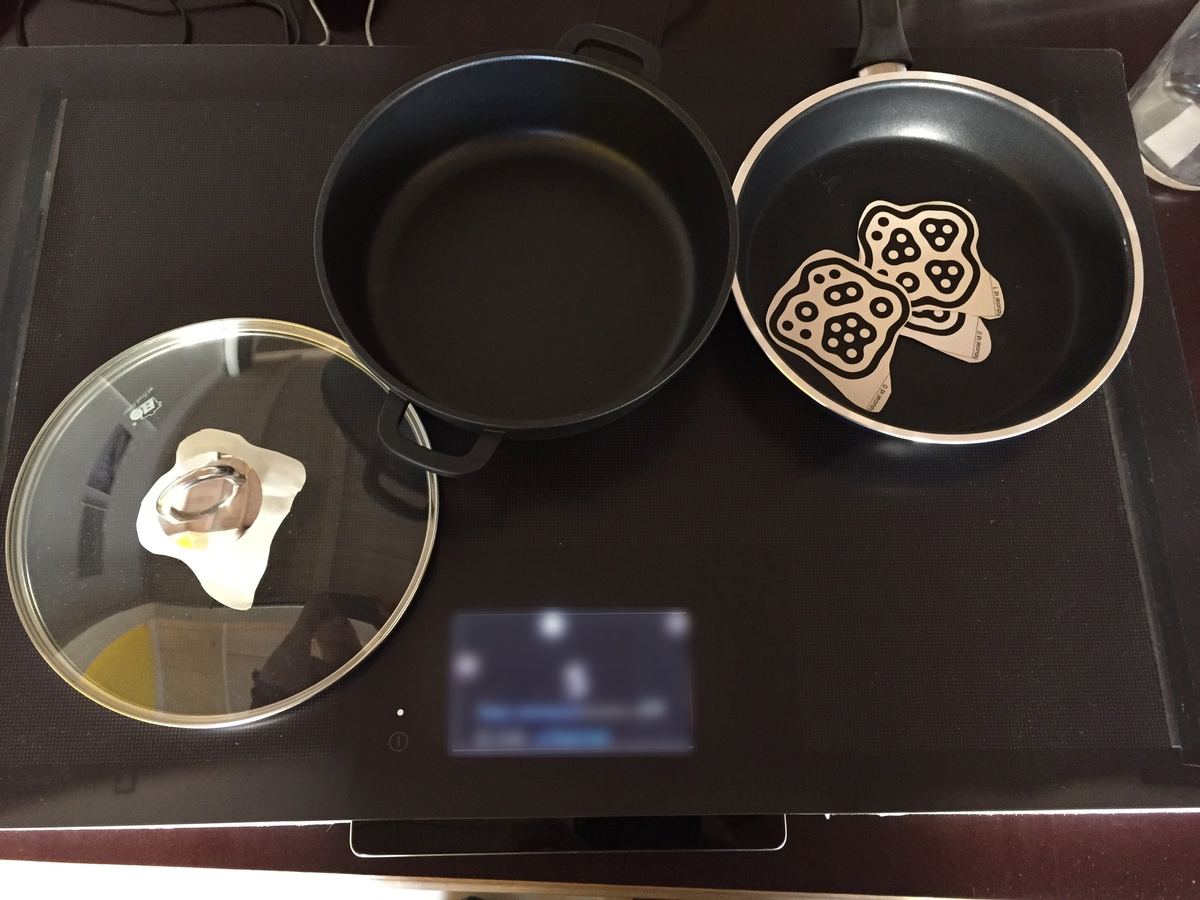
How it works
Seven of the behaviours I designed and animated, redrawn from the specification. Cooktop on the left, display on the right.
Place it, tap it, slide it. A pot appears in white on the map; a tap focuses it, the slider sets its level and it turns blue. Back to 0 switches it off. · Reconstruction Past the highest level: boost. Slide beyond the top to choose pan or pot boost, or tap the two top segments; the menu stays open for three seconds. · Reconstruction Free control. Five zones from back to front. Slide the pot and its level follows; arrows show where it can still go. · Reconstruction The settings travel with the pot. Move a pot far and the display asks whether its level and timer should come along. Without an answer, nothing changes. · Reconstruction Let the cooktop watch the temperature. The frying sensor works at two fixed spots, the cooking sensor is a wireless probe on the pot. Sensor modes show in yellow. · Reconstruction Timers that belong to a pot. A count-up timer on the avatar, a switch-off timer in 30-second steps, and an alarm that a tap ends. · Reconstruction Active Light. Two bars of 15 LEDs in the glass echo the display: start-up, a pot placed, focus, pause and residual heat. · Reconstruction 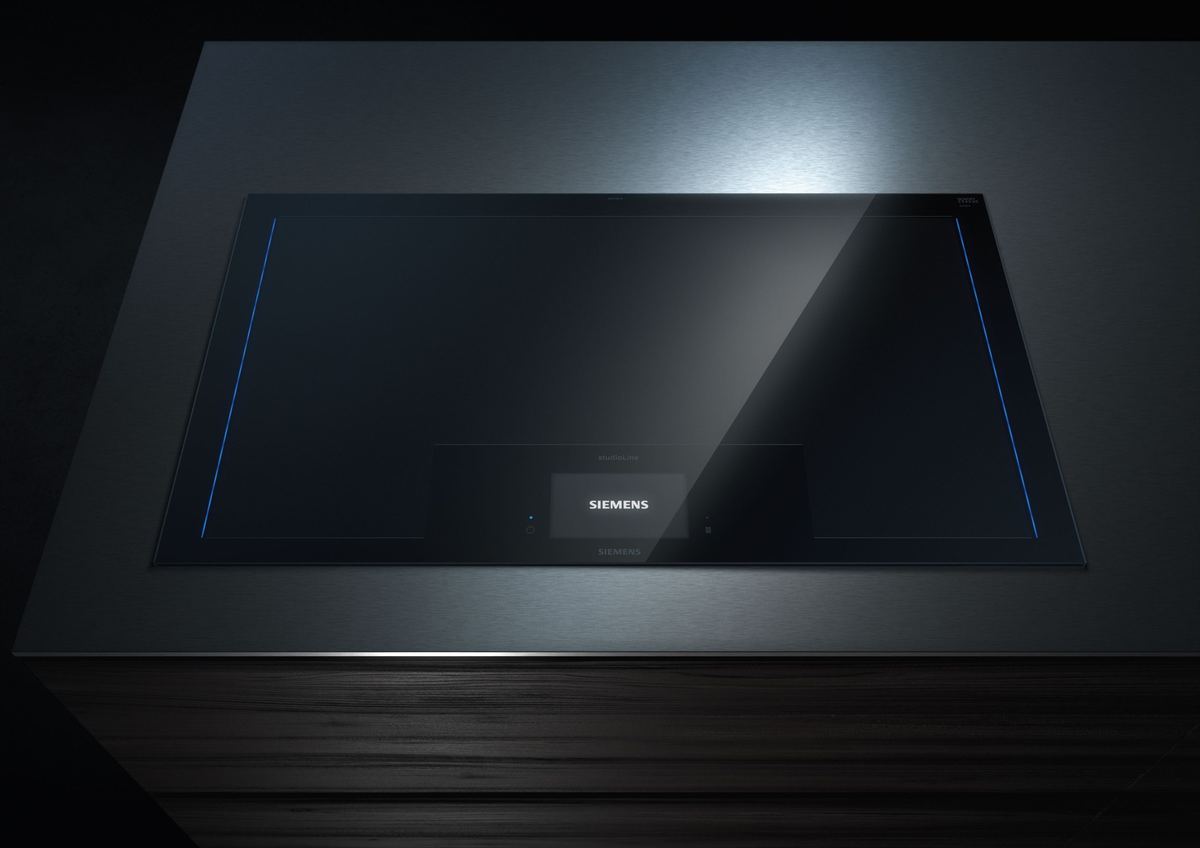
The finished cooktop with its light lines. · Actual interface, press photo © BSH Hausgeräte GmbH
04 / Refrigerator
One operating logic across three value classes.
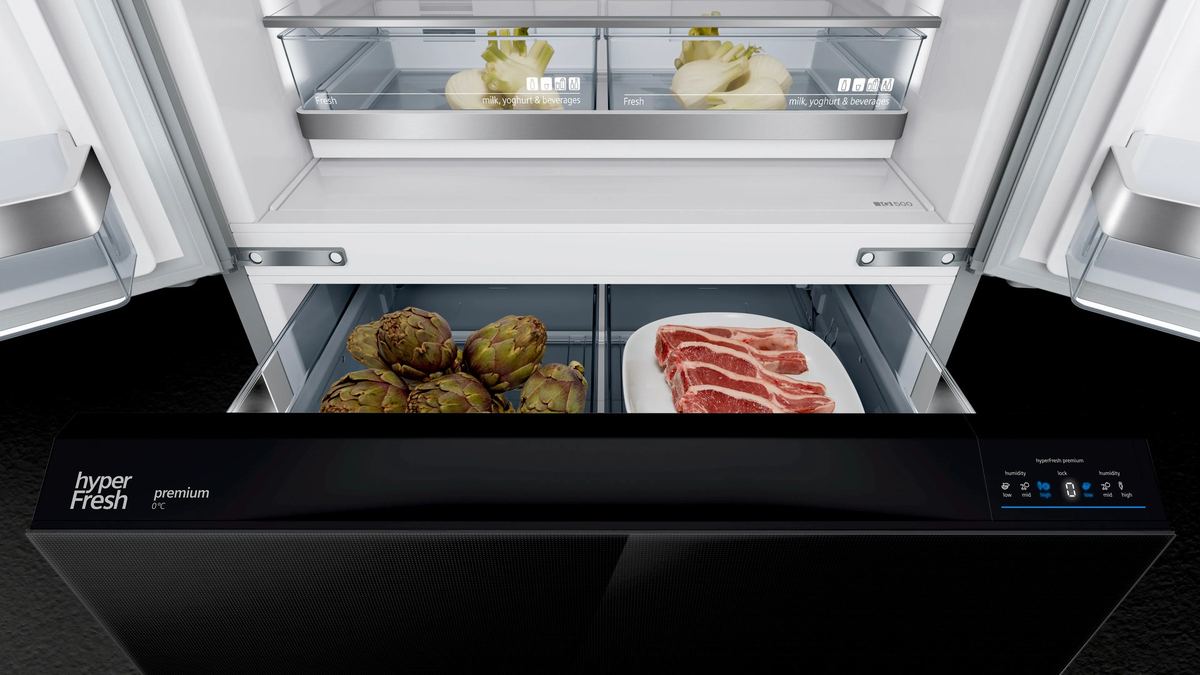
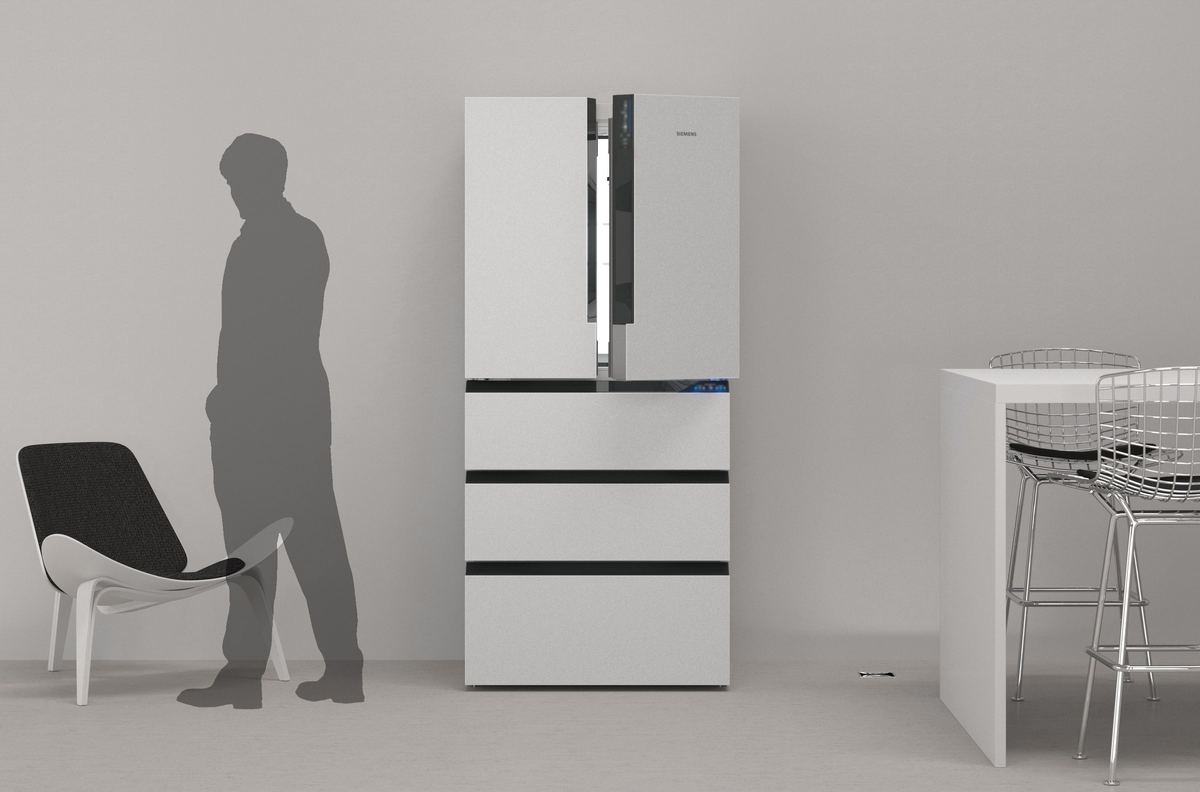
A French-door refrigerator for the Chinese market, with four to five compartments, came in three value classes. In 2015 I developed its operating concept with the IXDS team: one interaction logic, from a single control panel on the main door to a display on every compartment, with light that reacts when someone approaches.
The value model has one panel for fridge and freezer temperatures. Added value puts controls on every compartment and a display on the fresh drawer. Premium adds a display with sliders for each compartment and a proximity sensor. Whatever the class, a touch wakes the panel, a press selects a temperature and plus and minus appear only then.
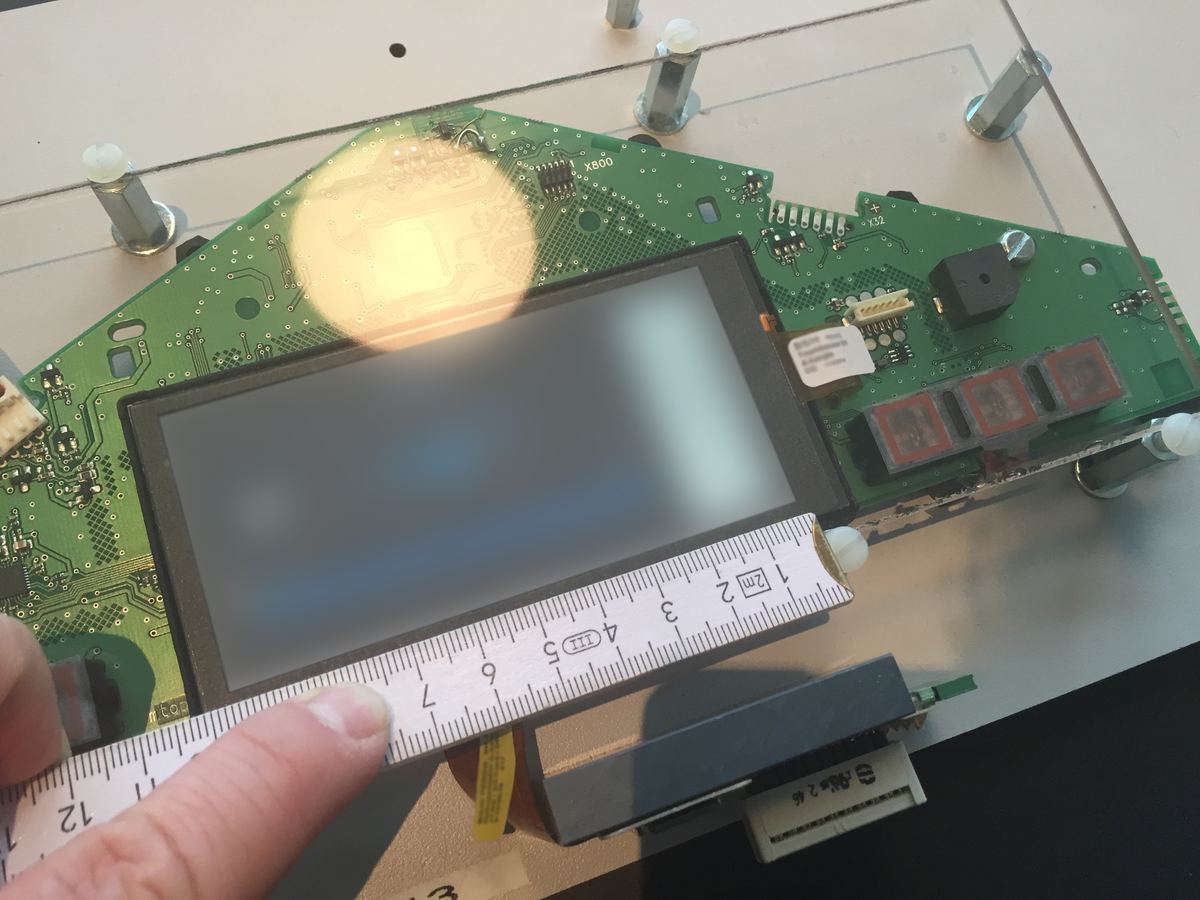
After the concept I designed the screens and wrote the specification, through to the layouts of displays, LEDs and circuit boards and the production data for the electronics. In September 2016 a usability study in Beijing and Guangzhou tested the concept with people.
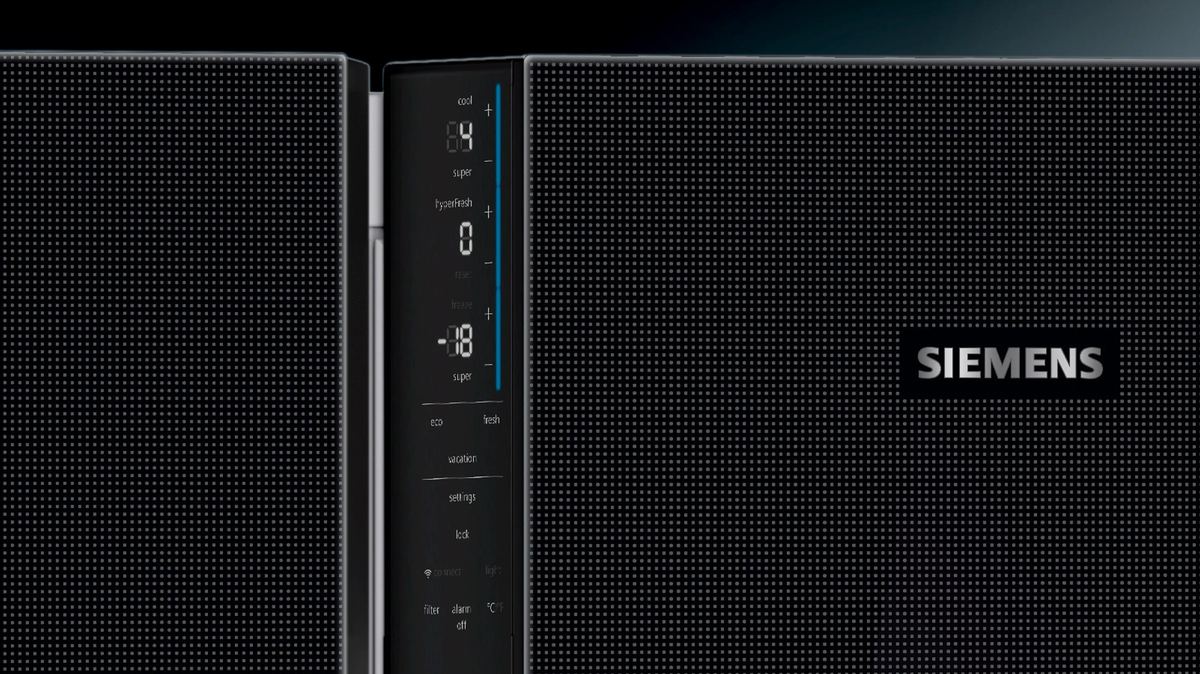
Wake it, press it, adjust it. From standby a touch or an opened door wakes the panel; press a temperature and plus and minus appear. · Reconstruction Light that notices you. Approaching wakes the handles and displays, an open door dims them to about half, and if you walk away with the door open the handles pulse. · Reconstruction
05 / Prototypes
Some questions were answered by tapping, not writing.
At the start, in February 2015, I built clickable prototypes for a refrigerator with a full touch display, twelve variants of rising complexity, to compare tapping and sliding on an iPad.
06 / What remains
A specification is design work, too.
Outcome
- Two products on the market
The free induction cooktop with touch display and the French-door refrigerator for China went on sale with the screens I designed.
 Red Dot: Best of the Best 2020
The cooktop received the jury’s highest award in product design, which singled out its TFT touch display and the blue light strips. The award went to BSH’s in-house design team. Red Dot ↗
- Three specifications
150 pages for the cooktop in 17 versions, April 2015 to December 2016; 92 pages for the refrigerator, April 2016 to January 2017; and one for the cooktop’s light line, January 2017.
- Animations and production data
15 animations for the cooktop, delivered to development in November 2016; layouts for the refrigerator’s displays, LEDs and circuit boards.
Reflection
Seeing two products whose screens I designed go on the market, and writing specifications that development could build from directly, showed me how much care it takes to get from a concept to the finished product. What I would do differently: treat the specification as a product of its own from day one, with a structure built for change, instead of letting it grow version by version alongside the design. One question stays open for me: how much of an interface’s quality is decided in the concept, and how much in the hundreds of small decisions a specification has to make?
- Team
- Dominik Witzke, Johannes Roth, Frederik Dühsler and others at IXDS
- Client
- BSH Hausgeräte GmbH · Siemens home appliances
- Interaction concepts
- BSH · UI language: Siemens brand design
- Images
- Press photos © BSH Hausgeräte GmbH · Cardboard mock-up: IXDS · Graphics: Dominik Witzke